The challenge
Business context
commercetools serves very different audiences. Some are developers building API integrations. Others are business administrators setting up commerce workflows. Each group learns differently, has less or more time, and measures success differently. Without learning paths built for each role, people couldn’t find the content that fit them. Onboarding took longer, support got more questions, and customers took longer to see value.
Strategic objective: Build a learning system that scales across roles, cuts support tickets by letting people teach themselves, and gets customers live faster, with clear learning paths that match what each role actually does.
Core problem
Enterprise commerce platforms are big and complex. The first question a new user has is simple: Where do I start? Standard documentation pushes everyone down the same path, no matter their role or experience. A business administrator setting up product catalogs doesn’t need the same depth as a developer building API integrations. But both need a clear order to learn things in.
The opportunity
Build a modular learning system that serves each role with its own path, and keep those paths linked so learners see how the platform fits together rather than learning skills in isolation.
Key design challenges
- Scale without losing coherence: Keep 200+ content pages across 9 learning paths consistent with each other
- Serve different learners: Support administrators, developers, and architects who have different goals and different technical backgrounds
- Allow flexible navigation: Let people work through a full path in order, or drop in for a single module
- Track prerequisites across paths: Some advanced modules need knowledge taught in a different path. How do we keep learners from getting stuck?
The process
Research & analysis
I looked at the existing documentation and found one core problem. The content was thorough, but it had no clear order to learn it in. New users couldn’t tell the basics apart from the advanced material.
What learners needed:
- Business administrators needed configuration-focused content, without the deep technical implementation detail getting in the way
- Developers wanted hands-on tutorials with code examples, not concept overviews
- Both groups needed to see prerequisites up front, so they didn’t hit a wall because they were missing a basic idea
Core insight:
Learning paths should follow the job, not the platform’s architecture. I needed to organize content by what users are trying to get done, not by where the technical system boundaries happen to fall.
Design approach
I used four learning design principles.
1. Modular structure lets people learn flexibly
Each module stands on its own but links to the others. Someone can grab just the one module they need right now, or work through everything to build deep expertise.
2. A path per role fits each learner’s context
Administrator paths focus on business modeling and configuration: setting up product catalogs, pricing rules, discount strategies. Developer paths focus on the SDK, API integration, and implementation patterns. Same platform, different lens.
3. Difficulty ramps up so knowledge builds
Each path gets harder in order. Learners start with the basics (for example, “Organizations and Projects”) before they take on advanced patterns (for example, “Custom checkout implementation”). This keeps people challenged but not overwhelmed — the zone of proximal development.
4. Prerequisites cross paths, which teaches systems thinking
Prerequisites point across paths, so the content forms a connected graph instead of separate silos. For example: the “Integration Patterns” module needs basics from both the “Developer Essentials” and “Model your business” paths. That drives home a real point — building something real means understanding both the technical architecture and the business logic.
Development & iteration
Three architectural decisions shaped the build.
Three-tier structure
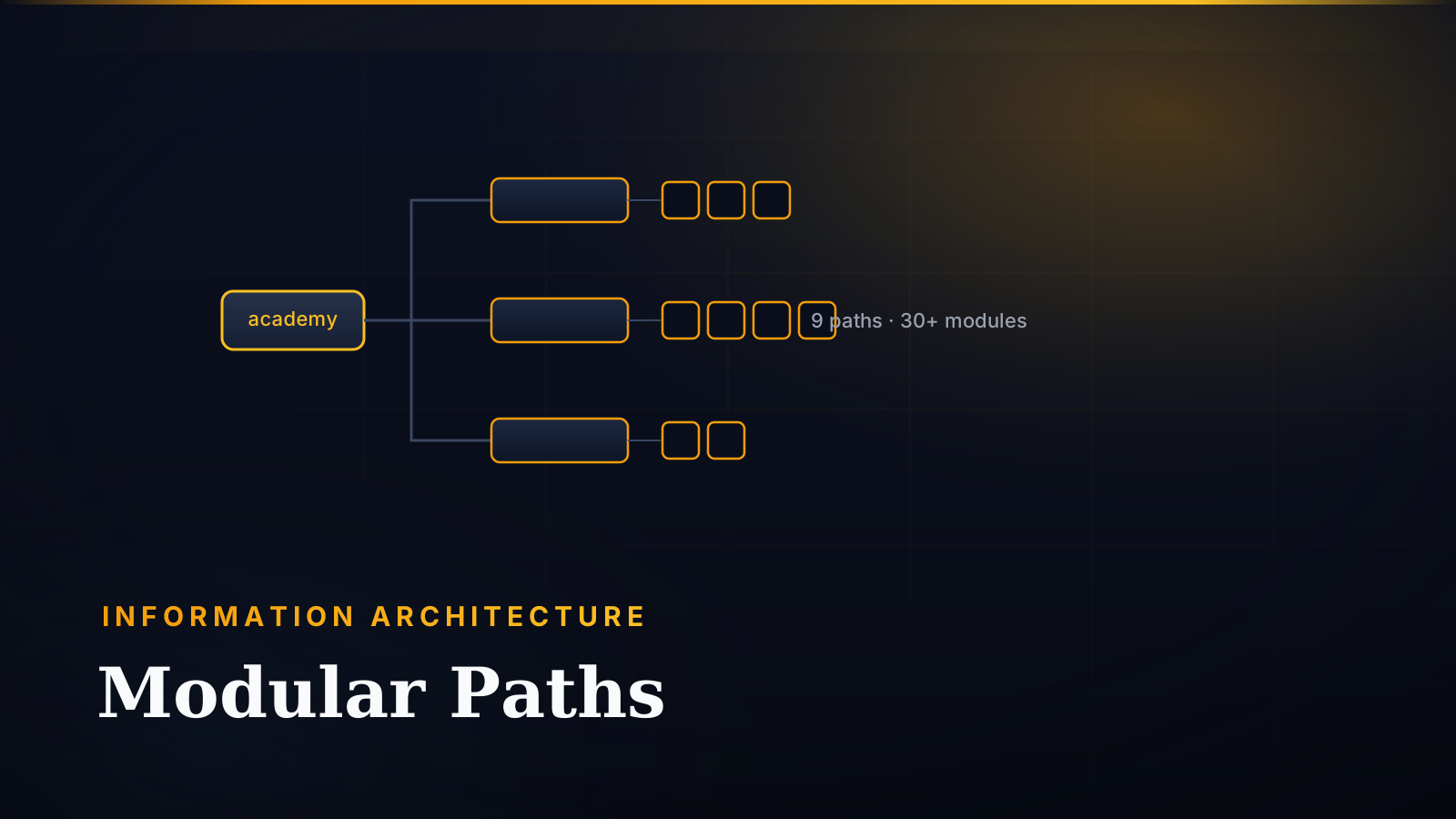
Learning Path (9 paths) → Module (30+ modules) → Page (200+ pages). This structure gives learning a natural staircase. Each level is one “chunk” of knowledge, which keeps a huge amount of content manageable.
TypeScript configuration system
Each learning path registers in a strongly-typed config file with its metadata: duration, target audience, prerequisite modules, and LMS courseIds. That config drives:
- A homepage that builds itself and filters by role or product
- Automatic prerequisite checks
- Progress tracking across paths
- Duration estimates, so people can plan their time
One standard module structure
Every module follows the same format:
- Overview: Learning objectives, prerequisites, audience, duration estimate
- Content pages: 3-6 instructional pages with concepts, tutorials, code examples
- Learning check: A scenario-based quiz that tests whether you can apply it
- Next steps: Suggested next modules
Because every module is laid out the same way, learners always know what to expect. That’s less to figure out, so they can focus on the content.
Testing & refinement
Problem identified: Early versions had no clear front door for each role. Administrators and developers both landed on the same homepage and had to filter the content themselves.
Solution implemented:
I added audience filtering to the learning homepage. You pick “Administrator” or “Developer” and see only the paths that fit you. That respects people’s time and makes the page feel more relevant.
Content consistency challenge:
With 200+ pages, formatting drifts, terms stop matching, and technical accuracy gets uneven.
Solution:
I wrote instruction files that the AI loads automatically whenever someone edits learning content. They enforce:
- Heading formatting standards
- Consistent terminology (for example, “Product Type” not “product type”)
- Technical accuracy checks
- Component usage guidelines
The solution
What users experience
For administrators:
You land on the learning homepage, filter by “Administrator,” and see three main paths:
- Model your business structure (6h | 6 modules) - Organizations, stores, channels, taxes
- Model your product catalog (7h | 7 modules) - Product data, attributes, categories, inventory
- Price and discount your products (7h | 6 modules) - Pricing strategies, discounts, promotions
Each path’s landing page shows collapsible module cards with the learning objectives, duration, and prerequisites. Click to start the first module and work through the content, with an assessment at the end of each module.
For developers:
You start with Developer Essentials (20h | 8 modules), which covers SDK setup, API authorization, query patterns, and GraphQL. You finish with a hands-on challenge module that pulls all the skills together. From there you branch into implementation paths:
- Implement product discovery (4h | 3 modules)
- Implement Carts and Shopping Lists (4.5h | 3 modules)
- Implement checkout solutions (expanding)
- Integrate with Composable Commerce (2h+ | 1+ modules)
Example learning progression
A developer’s journey might go like this:
- Developer Essentials → Learn SDK basics and API patterns
- Implement product discovery → Build product listing pages (needs the GraphQL knowledge from step 1)
- Implement Carts → Manage the cart lifecycle (needs the resource management from step 1)
- Integrate with Composable Commerce → Advanced integration patterns (needs several prerequisites)
Every module’s overview spells out its prerequisites, so nobody hits a wall because they skipped a basic.
What the system architecture makes possible
- Progress tracking via the Learning API: Stores completion status, quiz scores, and timestamps
- Authentication via Auth0: Syncs progress across devices
- Moodle integration: End-of-module assessments link into certification paths
- A self-building homepage: Filters paths by role, product, or duration
- YAML navigation: Builds the sidebar menus from the three-tier structure automatically
Leadership & collaboration
Building a learning system this big meant coordinating across the whole organization.
Strategic planning with leadership:
I worked with the VP of Customer Enablement to decide which learning paths to prioritize, based on business impact. I lined the curriculum roadmap up with product launches, certification requirements, and customer onboarding needs, so the work we put into learning backed the company’s goals.
Cross-functional content partnerships:
I worked with 15+ subject matter experts across Product, Engineering, and Solutions to keep the content technically accurate. I set up review workflows that got SME input without slowing iteration down, which let us ship 30+ modules over 3 years.
Learning infrastructure development:
I partnered with Engineering to build custom learning components, progress-tracking APIs, and LMS integrations. I translated what the learning design needed into technical specs, connecting the teaching side to the technology side.
Team coordination:
I set up content standards, templates, and workflows so several instructional designers could contribute without the content drifting apart. I created a governance model to keep quality consistent when many people are authoring.
Stakeholder communication:
I presented learning metrics to senior leadership each quarter, showing how the system was growing, how people engaged with it, and what it was worth to the business. I used that data to drive prioritization and keep the investment funded.
Results & impact
Scale metrics
- 9 learning paths serving 2 primary personas (Administrators + Developers)
- 30+ individual modules with standardized structure
- 200+ content pages covering complete platform capabilities
- ~60 hours of total learning content
- 31+ scenario-based assessments integrated with certification system
Learning path distribution
- Administrator-focused: 3 major paths (Business, Product Catalog, Pricing) = 20 hours
- Developer-focused: 5 major paths (Essentials, Discovery, Carts, Checkout, Integration) = 30+ hours
- Shared foundations: Cross-path prerequisites create interconnected knowledge graph
Educational impact
Content consistency:
Every module follows the same structure (Overview → Content → Learning Check). The experience is predictable, so there’s less for learners to figure out.
Certification enablement:
The courseId system ties into Moodle to track formal assessments. The learning paths line up with the certifications:
- Composable Commerce Functional Architect (Administrator paths)
- Composable Commerce Developer (Developer paths)
Flexible learning supported:
The modular structure works two ways. You can study a whole path end to end, or pull just the modules you need for the project in front of you.
Technical achievements
Scales sideways:
To add a new path, you create a folder, register it in the config, and follow the existing patterns. The system grew from the original 3 paths to today’s 9 without any architectural changes.
Easy to maintain:
The TypeScript config catches registration errors through type safety. The instruction files keep 200+ pages consistent without anyone reviewing each one by hand.
Key takeaways
-
Breaking content into chunks matches how people learn. Splitting a huge body of content into paths → modules → pages fits how humans take information in. Each level is one manageable chunk, so mastery builds step by step.
-
A path per role makes the content more relevant. Administrators and developers have different jobs to do. Matching the depth and focus to the role makes the content feel more valuable and respects people’s time.
-
Spelling out prerequisites cuts frustration. Stating what you need to know first stops people from starting an advanced module before they’re ready. It keeps content challenging but not overwhelming — the zone of proximal development.
-
Linking paths together teaches systems thinking. When prerequisites cross paths, they drive home that knowing the platform means knowing how the pieces work together, not just individual features.
-
One standard structure means less to figure out. When every module is laid out the same way, the environment is predictable. Learners can focus on the content instead of working out how to navigate.
-
Metadata makes personalization possible. A rich config (duration, audience, prerequisites) powers filtering, recommendations, and progress tracking. That’s the groundwork for AI-powered adaptive learning later.
Artifacts & documentation
📄 Sample learning path - Developer Essentials
📄 Sample module structure - Complete module with overview, content pages, assessment
Future enhancements
Five improvements could grow the impact further:
- Personalized learning paths - A quick skills quiz that recommends where to start, based on the learner’s role, experience, and goals
- Adaptive content - Track quiz performance to spot the concepts people struggle with, then suggest extra practice or a different explanation
- Gamification elements - Badges for finishing a path, streak tracking for steady learning, leaderboards for engagement
- Integrated sandbox environments - Hands-on labs with guided exercises and validation, going beyond multiple-choice assessments
- Video integration - 5-10 minute video overviews for each module, for people who learn better by watching